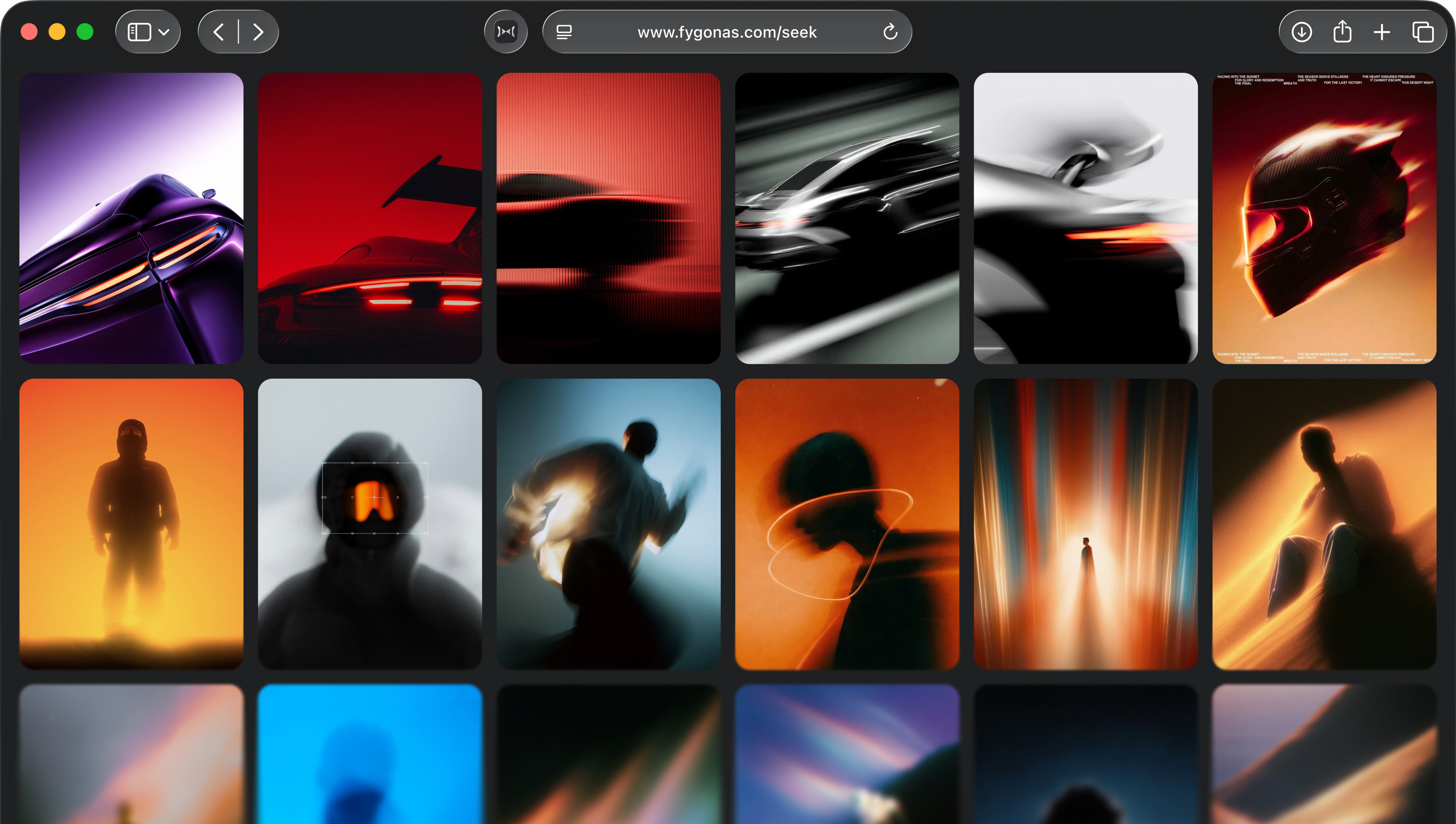
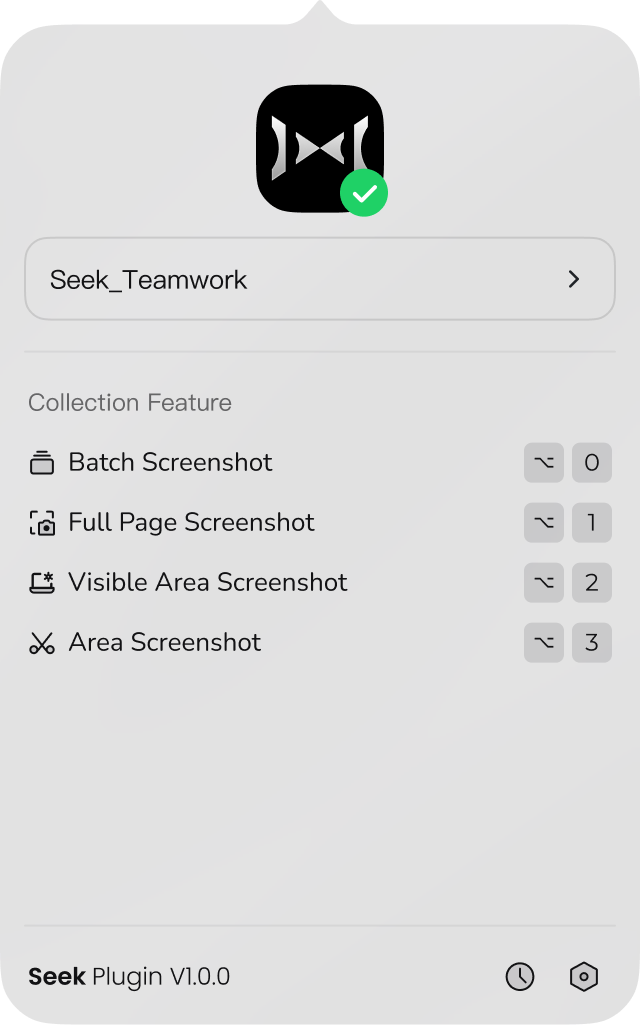
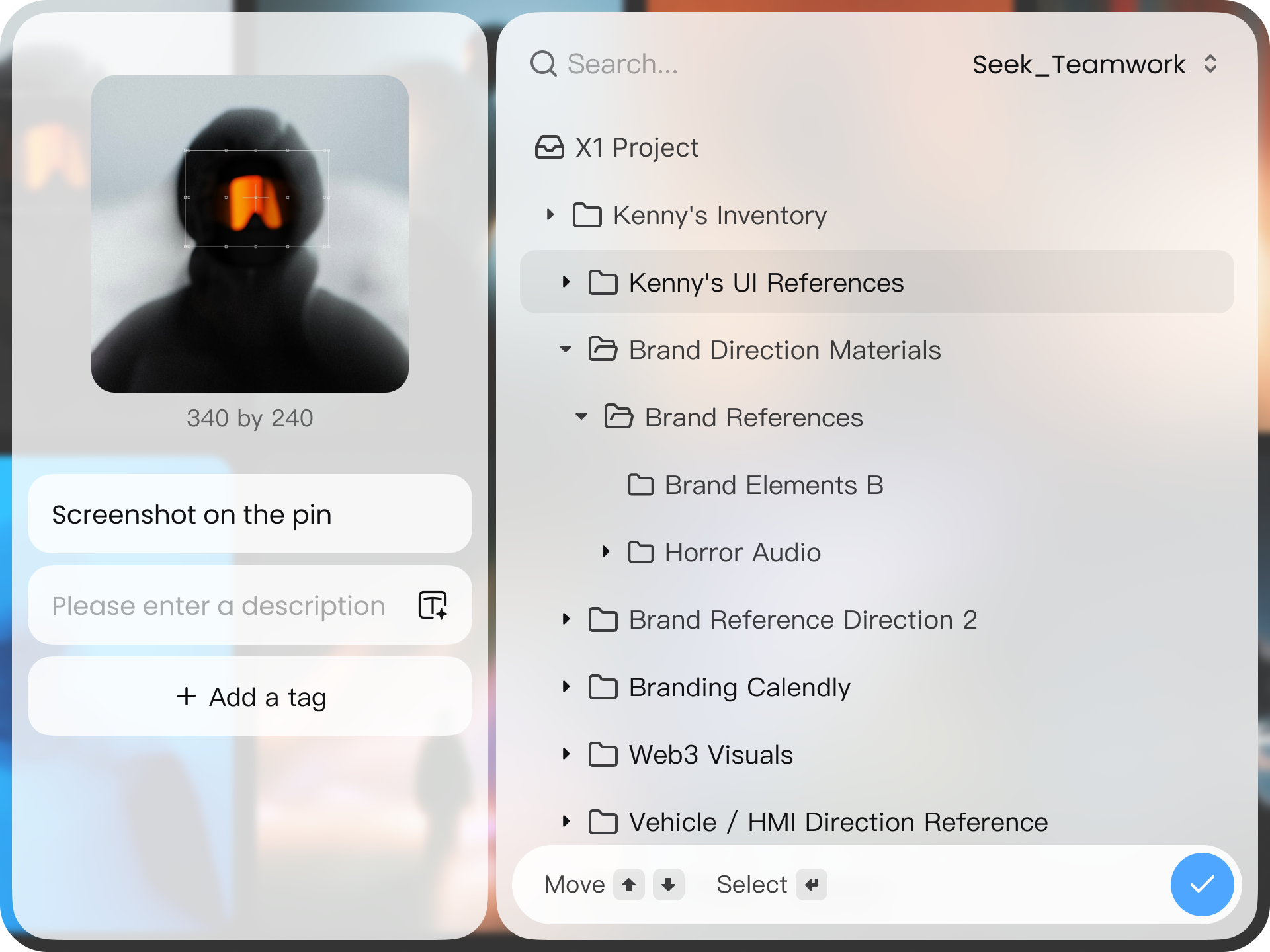
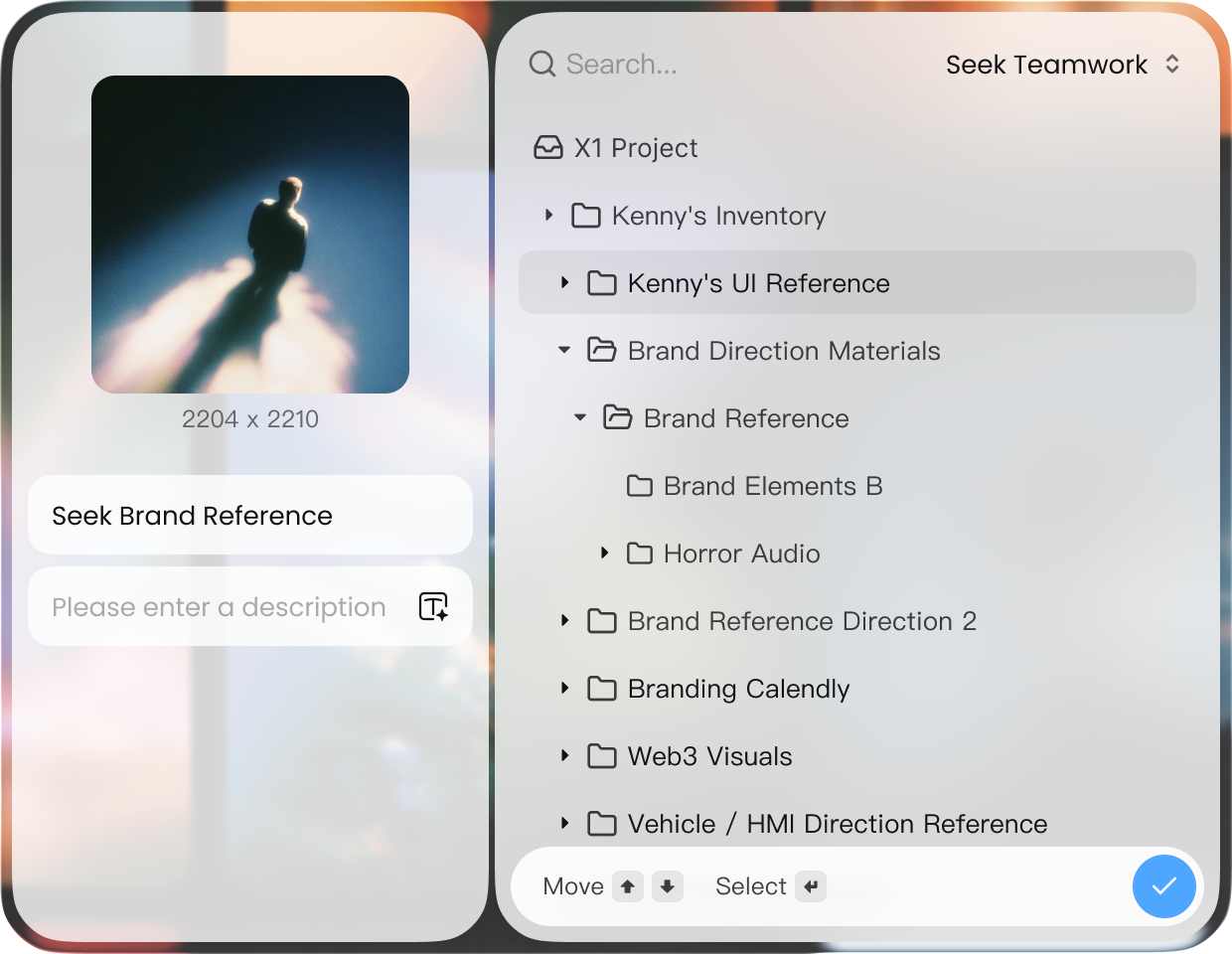
Drag an image to the upload area and drop it to save in Seek.
Drag to collect
Drag an image to the upload area and drop it to save in Seek.

Drag an image to the upload area and drop it to save in Seek.
Drag an image to the upload area and drop it to save in Seek.
Drag an image to the upload area and drop it to save in Seek.
Select the part of a page you need and save it as an image.
Select the part of a page you need and save it as an image.
Find images on a page, select what you need, and save them together.
Find images on a page, select what you need, and save them together.
Right-click an image or link to save it straight to Seek.
Right-click an image or link to save it straight to Seek.
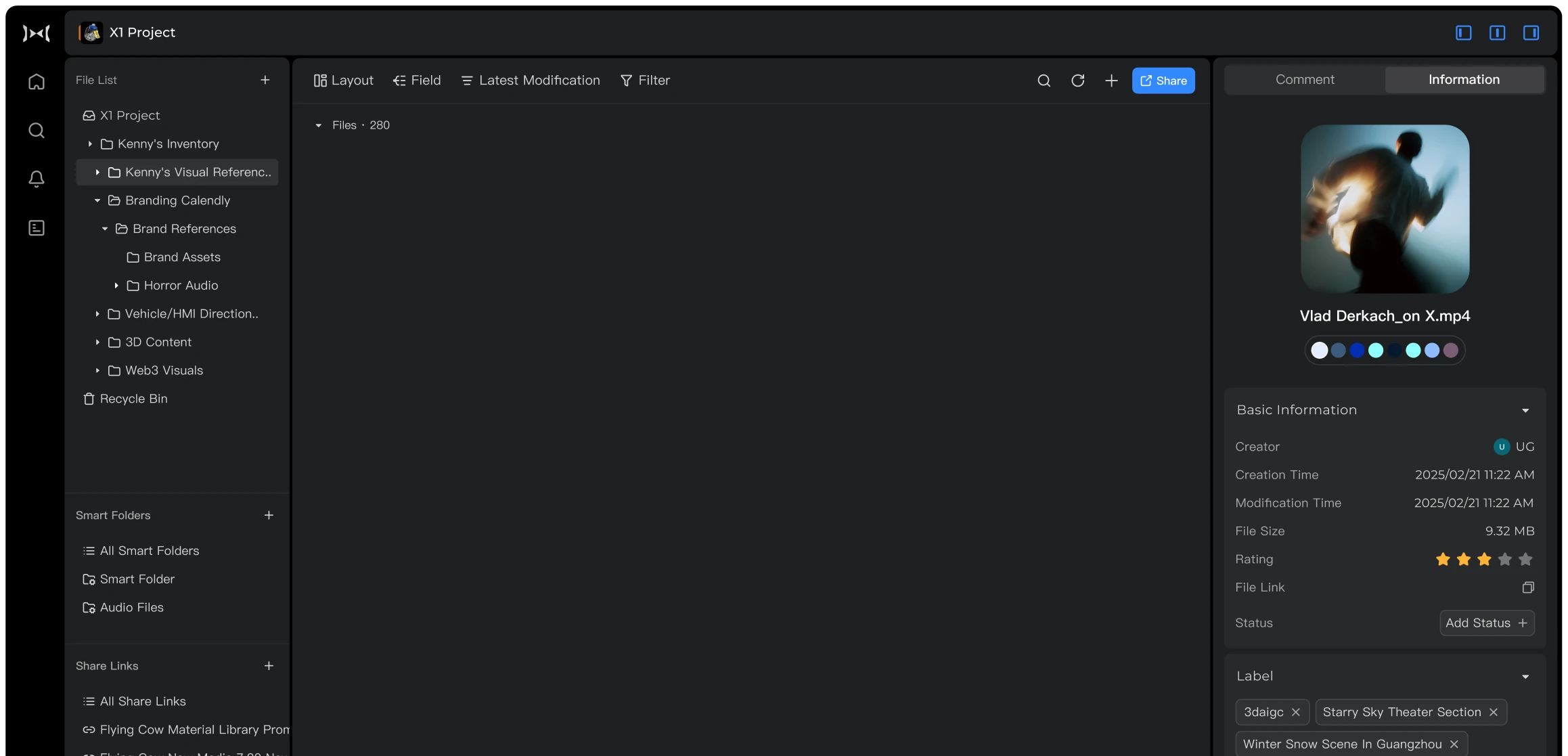
Videos, covers, and sources
Videos, thumbnails, and sources
Pin images and high-resolution assets
Posts, carousels, and Reels
Post media and author information
Design shots and inspiration